
The Safe Update Trap
What this means
Fake update pages can look identical to the real thing and even show up in search. Here’s how the safe update trap works — and how to avoid it.
Note: This site may show light ads and occasional affiliate links. How that works.
Fake software update sites are not new, but they are becoming more automated. They appear quickly, copy the look of real pages, and disappear again when reported. The next version looks the same, just generated slightly differently.
Some of these sites work like a watering hole. Instead of targeting people directly, attackers copy a page they know people will visit. The fake version sits in the same place, waiting for anyone who arrives. Everything looks familiar, so nothing stands out.
How they show up
- In search results — a copied page pushed high enough to look legitimate, sometimes above the real site
- Through pop-ups while you browse — “UPDATE REQUIRED” on a random page
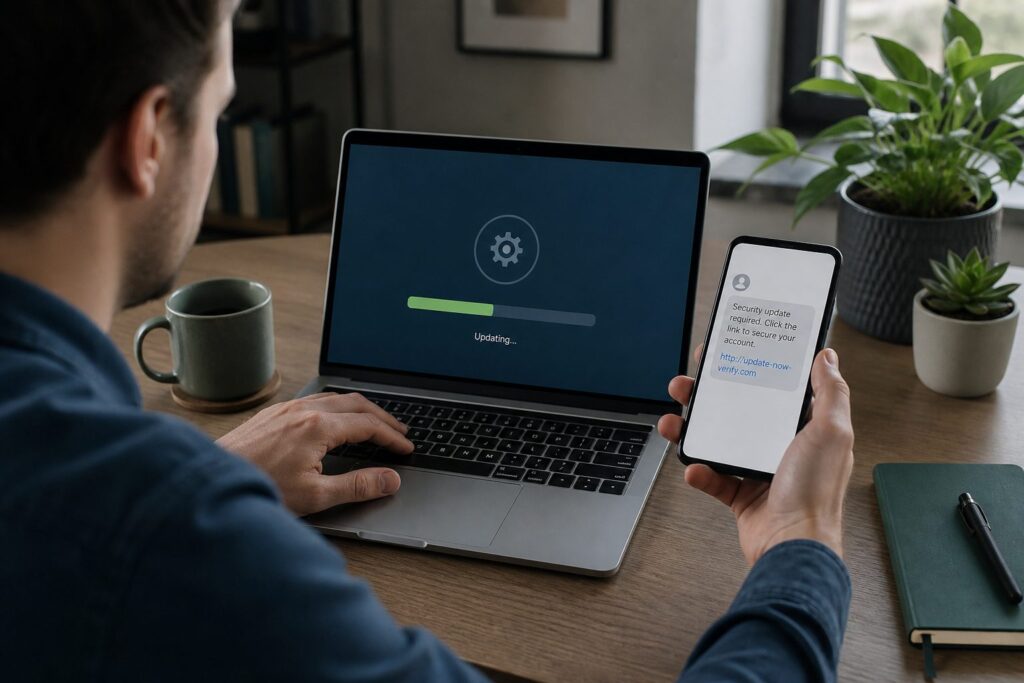
- Via links in email or messages that look like vendor notices
What the trap looks like
Logos, colours, and layout copied well enough to pass at a glance. The download opens the same way. The update appears to run normally. The difference is what happens afterwards — encrypted files, remote access, or quiet spyware sitting and waiting.
At the moment of risk
Stop! Pause! Is it urgent? Do you know who it is from? Is it really from who it says it is? Close the pop-up. Open Settings or the vendor’s official site yourself — not the link that found you at the watering hole.
The habit
You choose the source. Real updates come from Settings, the app store, or the vendor’s own updater — not a banner on a page you wandered onto.
A self-check
When did you last install an update from a search result or a pop-up instead of Settings or the app itself? If you cannot remember checking the source — make that the rule from now on: you go to the update, it does not come to you uninvited.
Related: Unpatched software · Online scams hub