
Smart Home, Quiet Risks
What this means
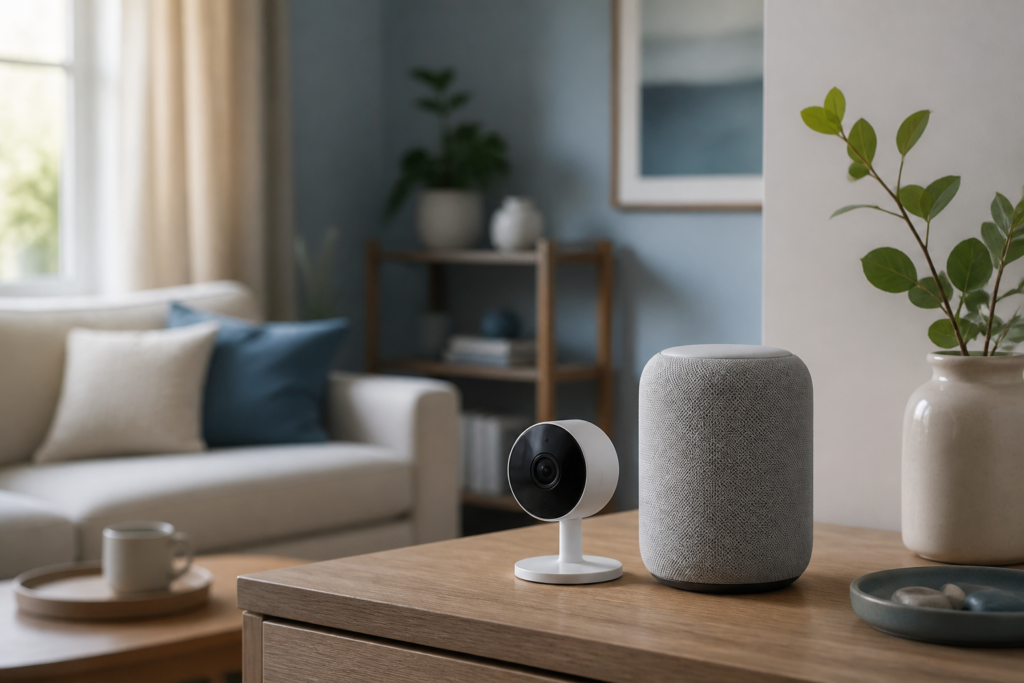
Cameras, speakers, and apps keep working in the background long after setup day. A calm look at accounts, updates, and what “always listening” really means at home.
Note: This site may show light ads and occasional affiliate links. How that works.
Smart bulbs, cameras, doorbells, and speakers arrive with a promise: life gets easier. Setup day is busy. The quiet risks appear later — when an old app still has access, a shared login outlives a flatmate, or a camera keeps uploading after you thought you’d “turned it off.”
This isn’t an argument against smart homes. It’s a reminder that each device is also an account, a network neighbour, and sometimes a microphone.
Remember this: If a device can see or hear your home, it deserves the same care you’d give a spare house key.
1. What’s quietly still on
Cloud cameras that record while you’re away. Voice assistants waiting for a wake word. Apps on phones you no longer use. Guest access you granted for a weekend visit. Manufacturer accounts with weak passwords because “it’s only a lightbulb.”
Attackers don’t need every device. One weak account can be enough to map habits — when you’re home, when you’re not.
2. A Sunday clear-out
- List the gadgets that talk to the internet (including TVs and speakers).
- Check who has access in each app — family, guests, old shares.
- Update firmware or enable auto-updates where offered.
- Put IoT on a guest or IoT Wi‑Fi network if your router supports it.
- Remove apps for devices you sold or boxed away.
3. Cameras and mics, without panic
Cover or power down cameras in private rooms when you want quiet. Review clip sharing. For voice assistants, know how to delete voice history and whether the mic mute button is physical.
Convenience and privacy can share a house — they just need clear rules.
A habit to keep
Once a season, walk the house with your phone’s smart-home apps open and remove anything you don’t recognise.
For guests on your network, a later post in this series covers visitor Wi‑Fi. For the wider home category, start from At home.