
When AI, Magecart and Clickjacking Overlap
What this means
How skimming, clickjacking, and polished bait can meet at checkout — and what to verify before you pay.
Note: This site may show light ads and occasional affiliate links. How that works.
Some checkout attacks now mix familiar pieces: Magecart-style skimming, clickjacking overlays, and AI-written bait that looks ordinary. The technical details matter — but so does the habit of slowing down when a page asks for payment details.
How the trap is set
Picture a niche site you might actually visit — a blog about productivity tools, or a small SaaS product. Branding looks right. Content is helpful. The offer matches what you came for.
That is often a watering-hole attack: criminals compromise a site their targets are likely to browse. Instead of an obvious malware download, you get something subtler — a payment form that mimics Stripe or PayPal pixel-for-pixel. Increasingly, the copy and layout are AI-generated, which makes the page feel “professional” faster than old template scams.
The AI twist
AI helps defenders and attackers. On the attack side, three patterns show up often:
- Adaptive deception: fake payment forms tuned to your browser, device, and language
- Behavioural mimicry: models that learn how real users interact with forms and copy that rhythm
- Real-time evasion: serving clean content when security tools scan the page, and saving the malicious payload for real visitors
The page can look more polished than a clumsy phishing site — which is exactly why the URL and who controls the code still matter more than the design.
The Magecart connection: skimming in plain sight
Once you enter payment details, the Magecart-style skimmer may activate. Unlike older attacks that relied on obvious third-party scripts, some versions use first-party JavaScript injected into the site’s own code. That means:
- No suspicious third-party domains on first glance
- No obvious outbound traffic in a quick check
- No red flags a casual glance would catch
Your data can be sent to a server the attacker already controls — sometimes the same one hosting the compromised site.
Clickjacking: the final layer
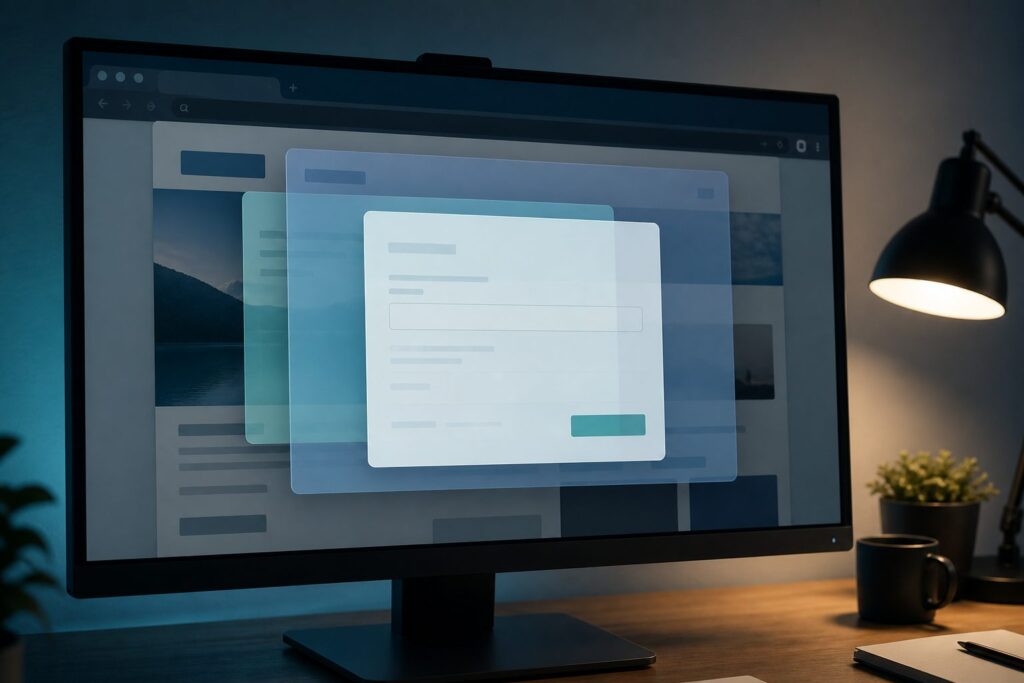
Some setups add clickjacking — invisible buttons overlaid on real ones:
- Fake “Buy Now” or “Download” links that trigger hidden actions
- Pop-ups that look like system messages but are actually traps
- Transparent layers that capture clicks you think are going somewhere else
Same principle as the fake form: misdirect what you think you are clicking.
If you are shopping
- Use a browser with pop-up blockers and anti-tracking settings
- Script-blocking extensions (uBlock Origin, Privacy Badger) can block suspicious code — be cautious with whitelisting
- Hover over buttons and links to preview URLs before clicking
- Check payment forms: HTTPS padlock, correct domain name, no odd subdomains
- Consider virtual cards or payment services with fraud protection
- Keep devices updated
Stop! Pause! Before you enter card details: Is it urgent? Do you know this site? Is the payment page really on their domain — not a lookalike? If something feels off — too slick, too pushy, too good to be true — slow down and verify.
If you run a shop
These attacks target your customers through your site. You may not see a breach on your server — the theft happens in the browser. Watch what scripts load on checkout, keep plugins updated, and know who can change your site code.
Related: Magecart and script monitoring · Spot a fake card form · Securing the checkout · Online scams hub.
A self-check
Shop owner: when did you last check what runs on your checkout page — not your homepage, checkout specifically? Shopper: before your next online purchase, look at the URL bar when you pay. Is it the shop you think it is? One slow look beats a fast regret.