
How to Spot a Fake Email
What this means
Practical signs of phishing and spam emails — and how to check before you click.
Note: This site may show light ads and occasional affiliate links. How that works.
Phishing and spam emails are often designed to look ordinary. The useful skill is noticing the seams — odd sender details, urgency, and links that do not match the organisation they claim to be. Most misses I see are not exotic malware; they are someone clicking through on a busy afternoon because the display name looked right.
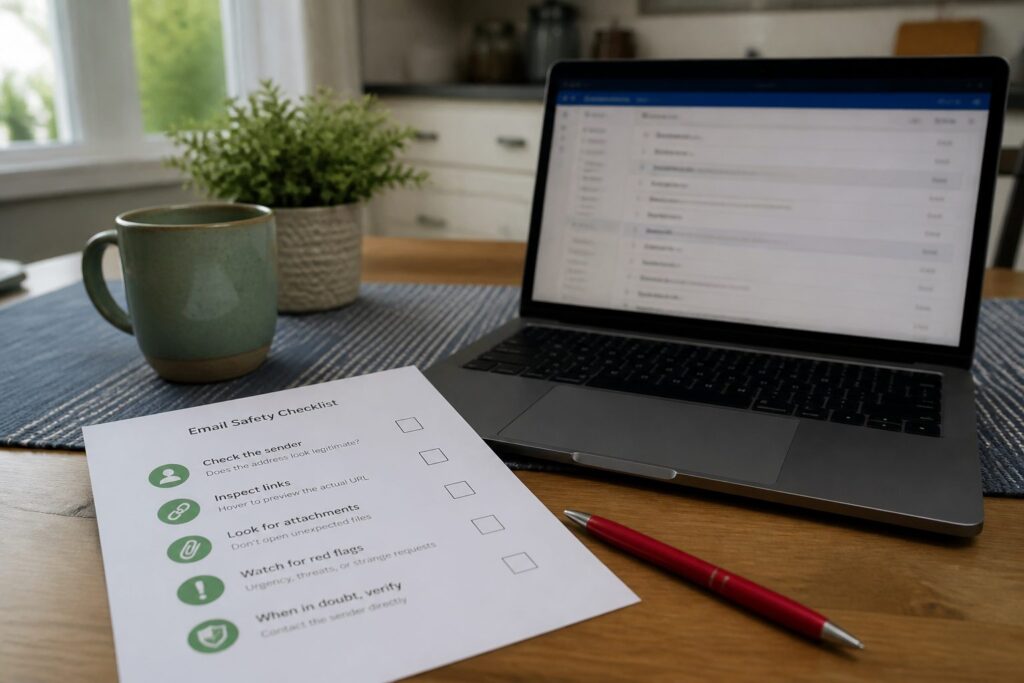
Key signs of a fake email
- Suspicious sender address — look for subtle typos or odd domains ([email protected] instead of [email protected])
- Urgency and pressure — “Your account will be locked in 24 hours!” is meant to stop you thinking
- Generic greetings — “Dear Customer” when your bank usually uses your name
- Unexpected attachments or links — hover or long-press to see where a link really goes
- Awkward wording — typos, or perfect wording that still feels slightly off for that organisation
- Requests for sensitive information — no reputable company asks for passwords or card details by email
At the moment of risk
Stop! Pause! Is it urgent? Do you know who it is from? Is it really from who it says it is? If you are not sure — do not click. Open the site or app yourself from a bookmark or by typing the address. If still unsure, call on a number from the back of a card or a statement, not from the email.
What to do instead
- Turn on mfa where you can — especially on email
- Report and delete — do not “test” the link
- Tell someone if you nearly fell for it — scams spread through silence
A self-check
Open your inbox right now. Is there one message you have been meaning to deal with that wants a login, a payment, or a quick reply? Before you touch it — would you be happy showing that email to someone you trust and asking “does this look right?” If not, verify first.
Related: Phishing attacks · Online scams hub