
The “Antivirus Renewal” Email That Arrived This Week
What this means
An unexpected antivirus renewal email is worth slowing down for. Here’s how to tell a real renewal from a scam.
Note: This site may show light ads and occasional affiliate links. How that works.
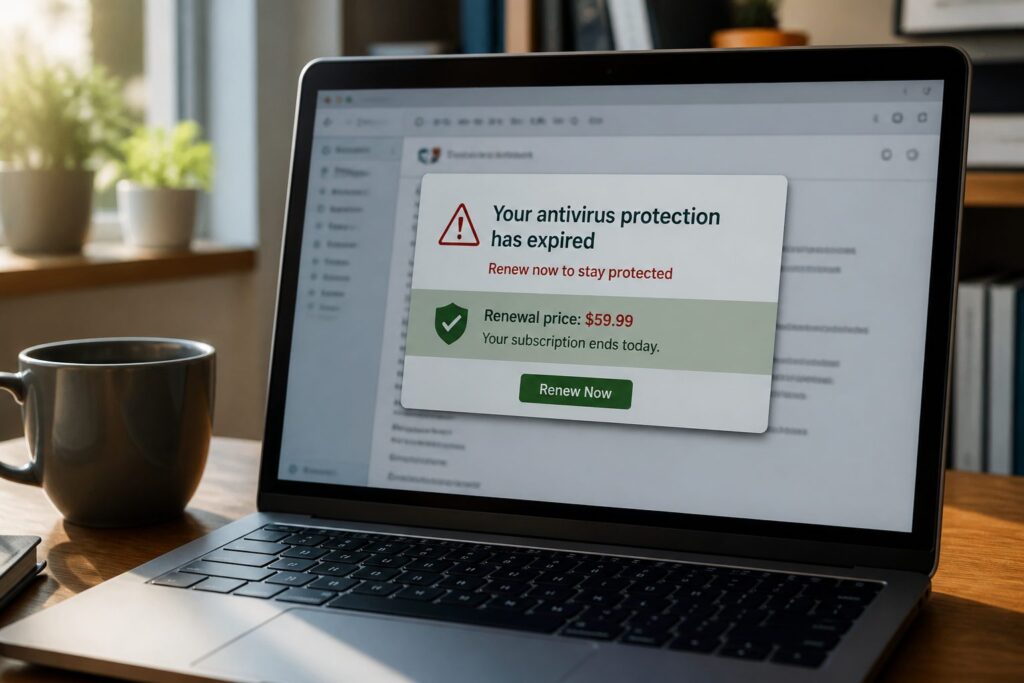
Bright red banner. “FINAL NOTICE TODAY.” Your antivirus subscription failed to renew, it says — device unprotected, personal data at risk until you update payment. A version of this lands in shared inboxes every few weeks.
It plays on a simple worry: is my machine actually protected? The email is not from your antivirus vendor. It wants your card.
What it claimed
- Subscription failed to renew — payment issue
- Protection deactivated; identity theft and data exposure warned
- Update payment details to stay protected
Why it is bait
- Heavy urgency — “FINAL NOTICE TODAY,” deactivation imminent
- Sender mismatch — company name on screen, unrelated address behind it
- Vague account talk — no device name, no subscription tier, no last-four on the card
- Fear stacking — identity theft, digital threats, data exposure all in one message
- Real companies rarely shout like this — renewal problems show in your account first
Click the link and you get a fake payment portal: card details, billing address, sometimes date of birth. Not antivirus renewal — card harvesting.
Stop. Pause. Ask three questions.
Stop!
Pause!
Before you update payment:
- Is it urgent?
- Do you know who it is from?
- Is it really from who it is from?
Red banners and “final notice” are designed to skip your thinking. Do you even have a paid subscription with this company? Does the sender address match? Not sure? Likely a catch. Do not click. Do not enter card details.
What to do instead
- Delete the message.
- Open your antivirus app or log into the vendor’s website directly — typed address, not the email link.
- Check renewal status and payment method inside your real account.
Genuine billing problems appear there. Already submitted card details? Tell your bank and follow what to do after a miss.
A self-check
Do you know when your antivirus actually renews — or would an unexpected “final notice” catch you on a busy afternoon? Most people do not track subscription dates. That gap is what this email exploits. Where would you check first next time — the app, or the link?
Related: How scams reach you · What to do after a miss · Online scams hub